Discover more than devices: Tap into the Liberator + PRC-Saltillo Network 

Reading Time: 3 minutes

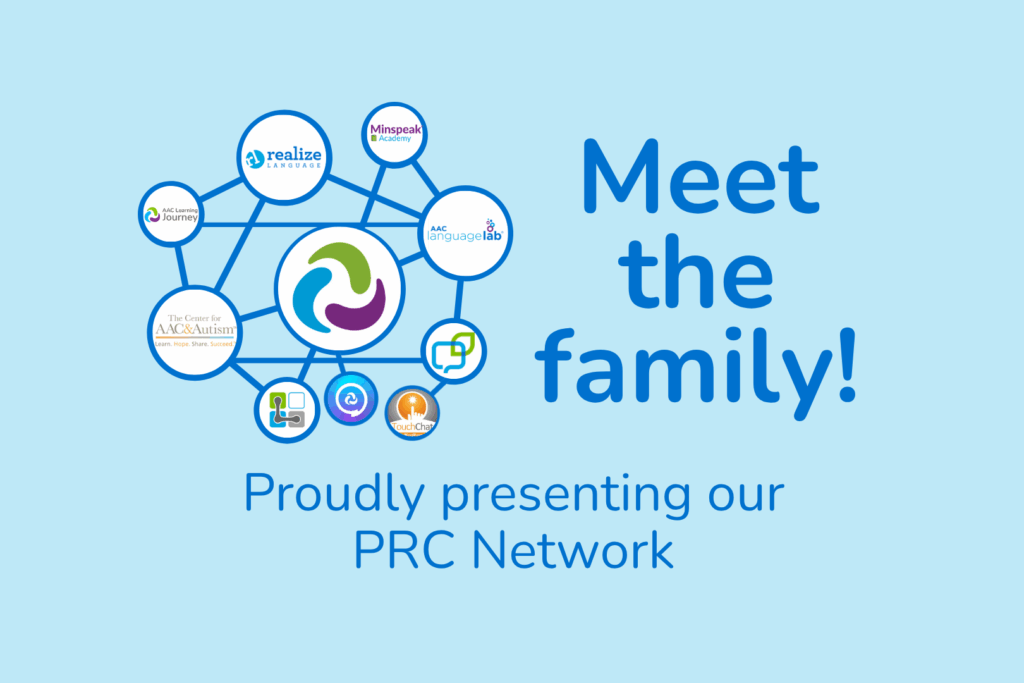
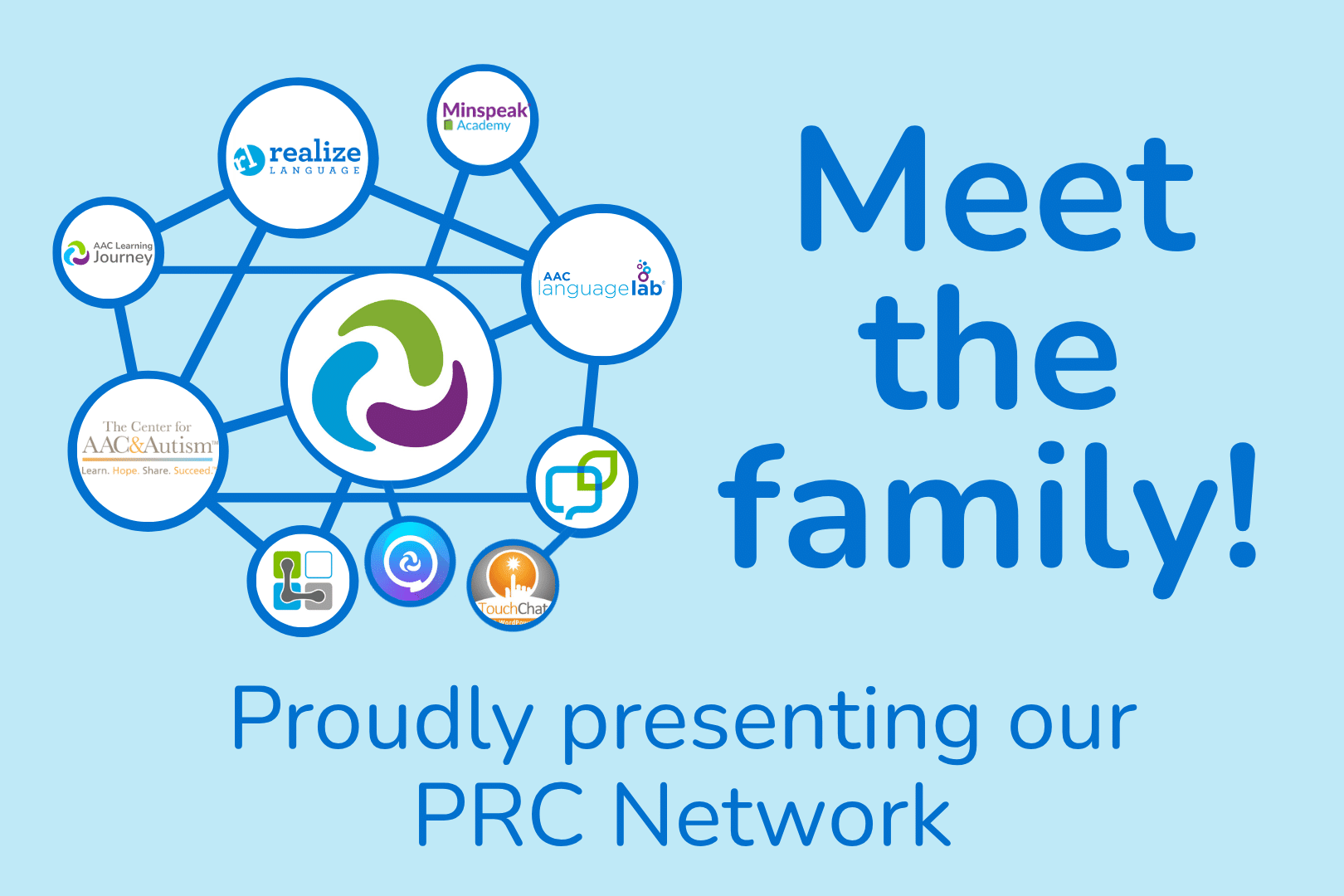
Many people in Australia don’t realise we have access to a rich ecosystem of websites and tools created by PRC-Saltillo (our US-based partner). These sites cover everything from communication data tracking to language teaching resources and advanced learning for AAC professionals. 

You can find links to all of them at the bottom of our homepage—but here’s a quick guide to what they are and how they can help: 

🌐 1. Realize Language 

A secure online service that analyses data from AAC devices. It helps families, teachers, and speech pathologists understand how a person is using their device over time. You can track vocabulary growth, see how often the device is being used, and even create reports to share with your therapy team. 

Best for: Families, therapists, and educators wanting insights into real-world device use. 

👉 realizelanguage.com 

📚 2. AAC Language Lab 

A huge collection of lesson plans, activities, and therapy materials for teaching language through AAC. It’s organised by language stage (emergent, developing, independent) and works with many PRC-Saltillo systems like Unity, LAMP Words for Life, and WordPower. 

Best for: Teachers and speech pathologists who want structured, evidence-based AAC teaching resources. 

👉 aaclanguagelab.com 

💬 3. LAMP Words for Life Website 

Find out more about the LAMP Words For Life app on iOS, learn about training options, and discover extra support for the LAMP Words for Life app and dedicated devices. 

Best for: Families and professionals exploring or using LAMP as a communication method. 

👉 lampwflapp.com 

📱 4. TouchChat Website 

All about the TouchChat app—a popular iPad-based AAC solution. The site includes setup guides, vocabulary files, video tutorials, and feature updates to help you get the most from TouchChat. 

Best for: iPad users and therapists supporting people who use TouchChat. 

👉 touchchatapp.com 

🗨️ 5. Dialogue AAC 

A newer communication app designed for literate AAC communicators who prefer text-based communication over symbols. It features smart word prediction, message banking, and a clean interface for adult users. 

Best for: Literate users (often teens or adults) looking for a faster, more natural communication experience. 

👉 dialogueaacapp.com 

🏢 6. PRC-Saltillo Website 

The home base of PRC and Saltillo in the US. You’ll find product information, company history, and access to customer support. While US-focused, it’s still helpful for understanding the devices used here in Australia. 

Best for: Learning more about the roots of your AAC system and staying up to date with global updates. 

👉 prentrom.com 

🧭 7. AAC Learning Journey 

An interactive tool that helps families and professionals figure out where they are in the AAC journey—whether they’re just getting started or looking for advanced learning. It points you to relevant training, resources, and next steps. 

Best for: Anyone wanting a guided approach to learning AAC at their own pace. 

👉 aaclearningjourney.com 

🧩 8. The Centre for AAC & Autism 

The official hub for all things related to LAMP and autism. It offers in-depth information, research articles, and training opportunities focused on supporting non-speaking autistic people. 

Best for: Professionals or families supporting autistic children with complex communication needs. 

👉 aacandautism.com 

🧠 9. Minspeak Academy 

Minspeak is a language system that uses symbols and consistent motor patterns to build language. The Minspeak Academy provides training, research, and guidance for those using Unity, LAMP, and other Minspeak-based vocabularies. 

Best for: Advanced users, speech pathologists, and educators who want to go deeper into AAC language systems. 

👉 minspeak.com 

AAC isn’t a “set and forget” solution. It’s a journey—and we’re here to walk alongside you at every step. Whether you’re a parent, a teacher, a therapist, or an AAC communicator yourself, there’s something in the PRC-Saltillo network that can make your communication journey more effective and rewarding. 

Want to find out how this network can support your journey? Talk to our team.

Visit our contact page to talk to our support team or book a 1:1 chat with our Consultants.

Your AAC device is an important part of everyday life, supporting conversations, learning, and connection with others. And, just like any piece of technology you rely on, it performs best when it’s well looked after! In this blog, we’ll share our top AAC device maintenance tips – including practical care, maintenance, and tech advice to help ensure your device stays reliable, responsive, and ready when you need it!

Here are our top tips for your AAC device maintenance.

#1: Clean Your Device Regularly

Let’s face it – devices get dirty. Whether you’re at school, work, or just having dinner, your device comes along for the ride. Give it some cleaning attention regularly to keep it working well.

For light cleaning, use a soft, lint-free cloth on the touchscreen. For deeper cleaning, use a slightly damp, lint-free cloth, then dry the screen with another soft cloth. You can find more detailed cleaning tips in your device manual.

Good to know: Keyguards can go in the dishwasher!

#2: Look After Your Battery

Your device comes with a specific charger – always use that one. Try to charge your battery before it drops to 0%. Charging when your battery is above 10% can extend its life significantly. For best results, charge your device upright at room temperature on a hard surface.

Tip: Turn off your device for faster charging.

#3: Use Sleep Mode and Shut Down Wisely

We encourage keeping your device with you and ready to use for conversations throughout the day. However, there are smart times to use sleep mode or shut down completely.

Set your auto-sleep to five minutes or less. Use sleep mode when you won’t be using your device for short periods, like during swimming.

Remember that sleep mode uses about 2% of battery per hour. Consider turning off your device completely during longer breaks, like overnight.

#4: Avoid Overheating

Like most technology, your device works best when it’s not too hot. Take breaks from heat and avoid charging if your device feels warm. Move to shade or air conditioning rather than trying to cool it with water.

Tip: Keep a low-tech communication board handy for water activities.

#5: Keep Your Software Updated

Software updates bring new features and vocabulary to improve your communication experience. Connect to WiFi and follow the prompts in your settings menu to get these improvements. Updates also help your device run more smoothly overall.

Tip: Plug in your device during updates to protect your battery.

#6: Protect Your Screen

Your screen is essential for accessing all your communication options. Protect it from scratches, moisture, and spills with a screen protector. This also reduces glare and reflections, making it easier to see your buttons.

Visit our online store to see screen protector options for your device.

#7: Consider a Protective Case

Your device is built to be durable and handle daily life. (If you haven’t already), you might try an extra protective case designed specifically for your device model. These cases provide additional security for active use at home and out in the community.

#8: Review Your Access Needs

People change, and your needs change too. It might be time to check that you’re still accessing your device in the most comfortable and efficient way possible.

Connect with your support team (or ours!) to consider adjustments like:

  • Repositioning your device
  • Adjusting your wheelchair setup
  • Trying new vocabulary settings
  • Recalibrating eye gaze (if applicable)
  • Using a keyguard for more accurate selection

Our local consultants are happy to discuss access questions to help you communicate at your best.

#9: When Technical Issues Arise

If you’re experiencing glitches, try restarting your device first – this solves most technical problems.

If you’re still having trouble after a restart, our support team is here to help. Contact us by phone, email, or through our website, and we’ll work together to get your AAC device maintenance issue resolved – and your device running smoothly again.


Need a little support with your AAC device maintenance?

Our team is here to help you make the most of your communication device. Whether you need help with AAC device maintenance or want to explore new ways to optimise your AAC setup, we’re just a call or click away.

Contact us:


What's Next?

Connect with your local consultant to discover your AAC options!

AAC Consultant Lilla
AAC Consultant Delara
AAC Consultant Morgan